Custom dashboards
Your household. At a glance.
Build a dashboard in the web app, choose its widgets and resize them freely on the grid. Save different views for different moments.
What you can do
- Drag widgets into place
- Resize freely from the corner
- Fill-space layout suggestions
- Full-screen browser display
Custom dashboards
On the web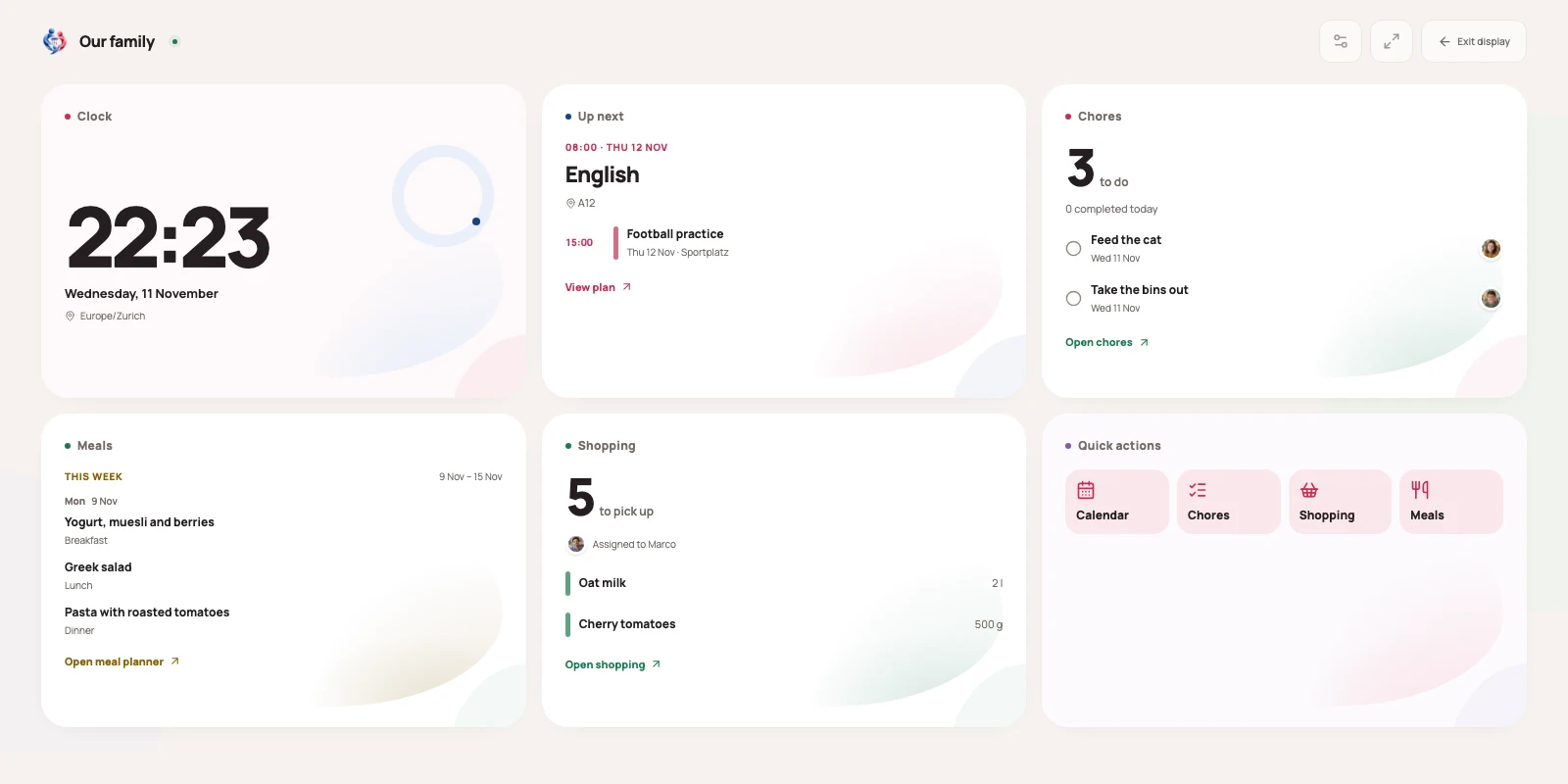
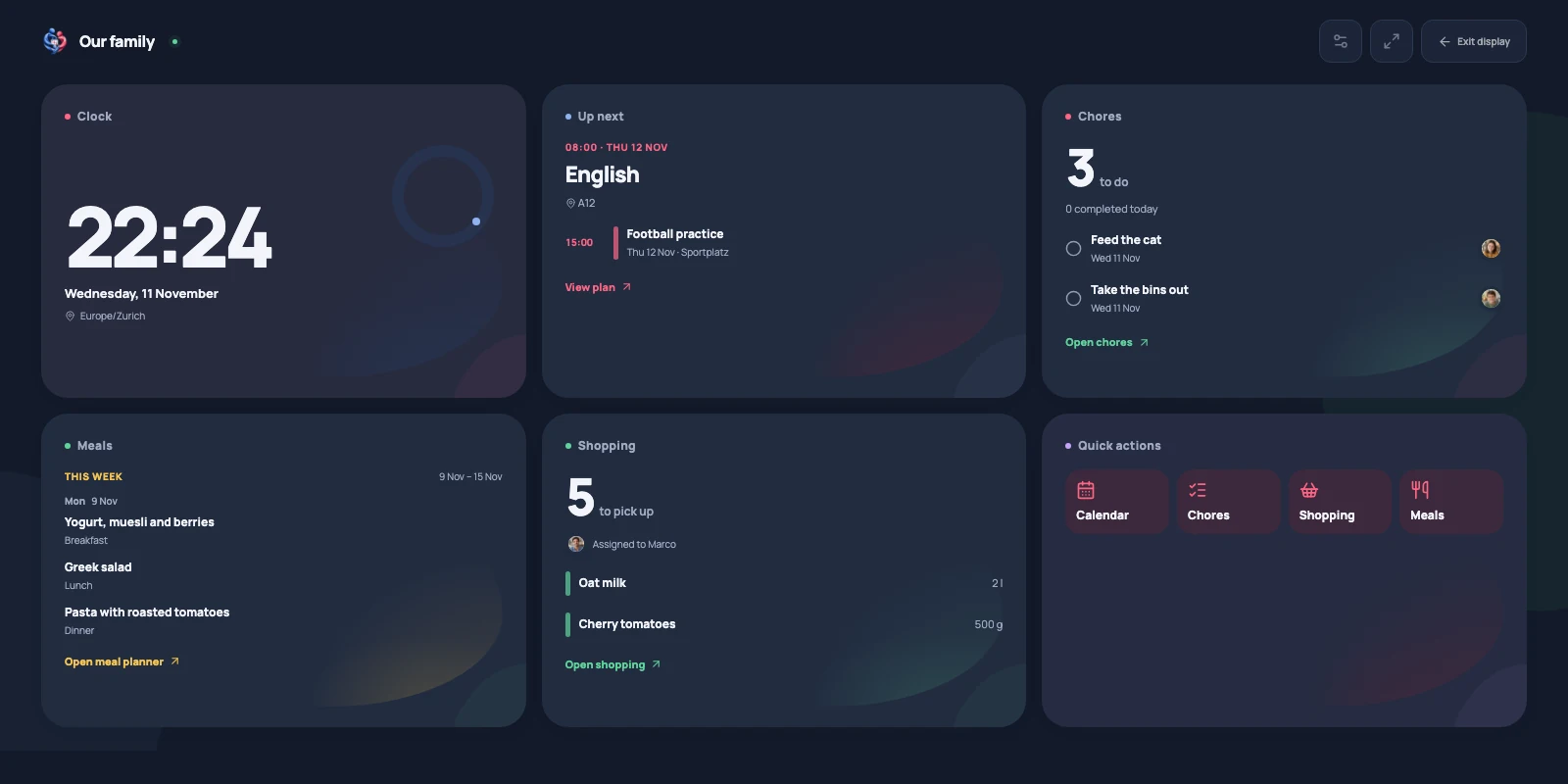
01
Put your priorities first
Combine the calendar, chores, meals, shopping, family information and other available widgets. Small widgets stay compact; larger ones show more detail.
02
Make the layout yours
Start from a family or week template, or a blank grid. Move and resize widgets, then use suggestions to fill remaining spaces.
03
Give a spare screen a purpose
Open the saved display in a signed-in browser. Choose a clock design and use full screen where the browser supports it. The dashboard follows your account’s permissions.
Dashboards are configured in the web app and can be displayed in a compatible signed-in browser.